Load a photo, pick a shape or let the AI trace the edge of your subject, adjust the mask, and export — ready for any cutting platform or design tool.
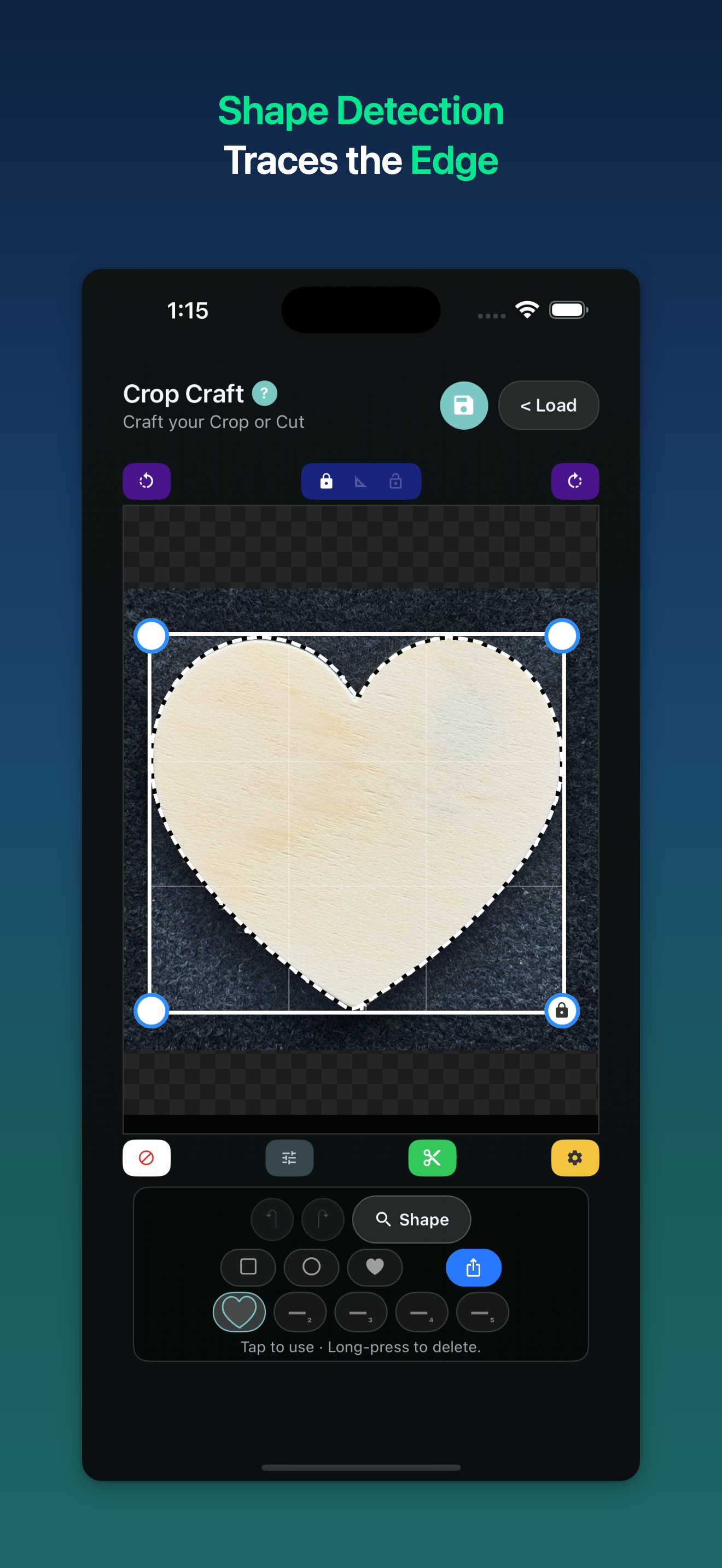
Tap Detect and Crop Craft automatically traces your subject's outline — no manual drawing, no fuss. Save traced contours to a slot and reuse them across any photo.
Built-in shapes include circle, square, heart, star, and triangle. Apply any mask to any photo in a single tap, then fine-tune or combine with your own detected contours.
Export your detected contour as a precision SVG path — ready for Cricut, Silhouette, laser engravers, and any cutting machine. Path fidelity is preserved at any scale.
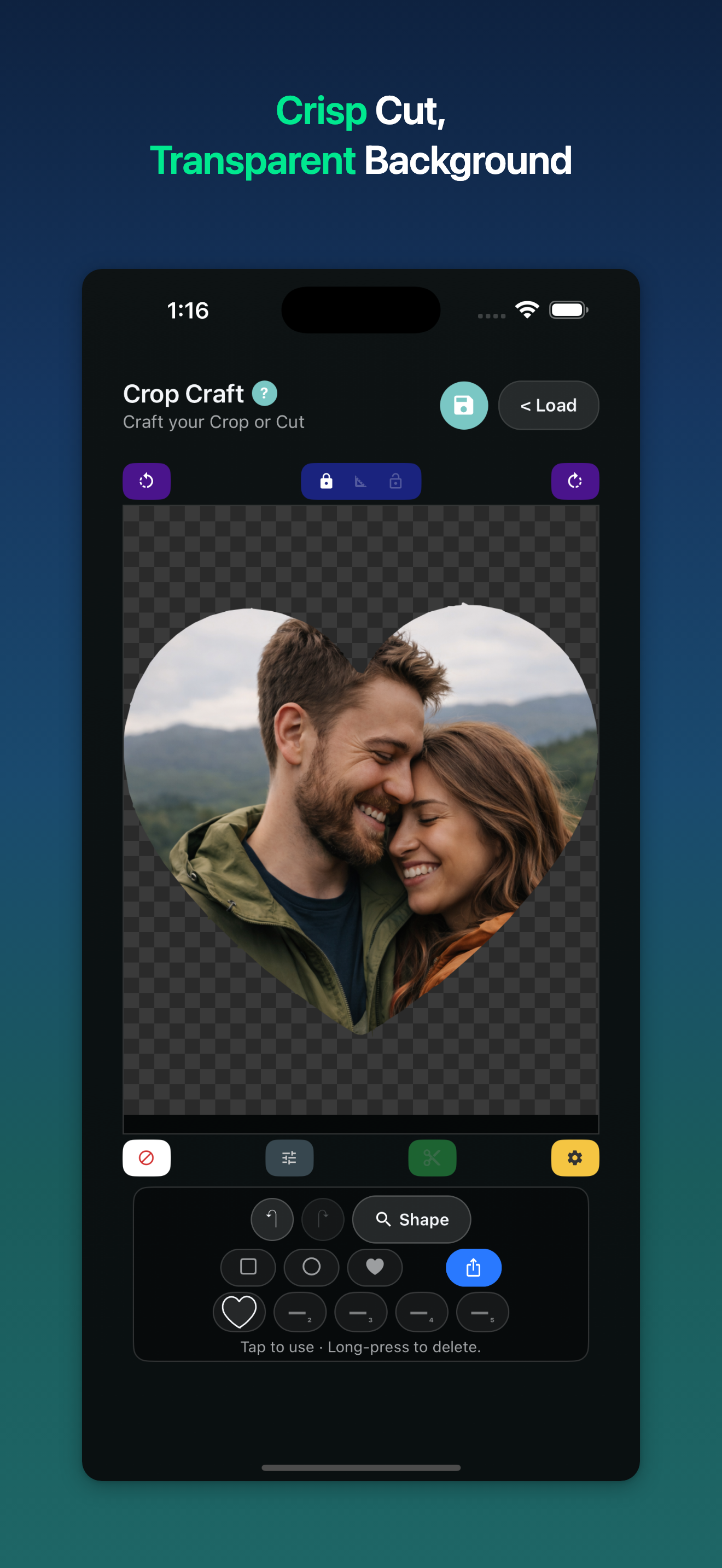
One tap exports a clean transparent-background PNG. Stickers, print-and-cut, overlays, social media — it's ready the moment you export.
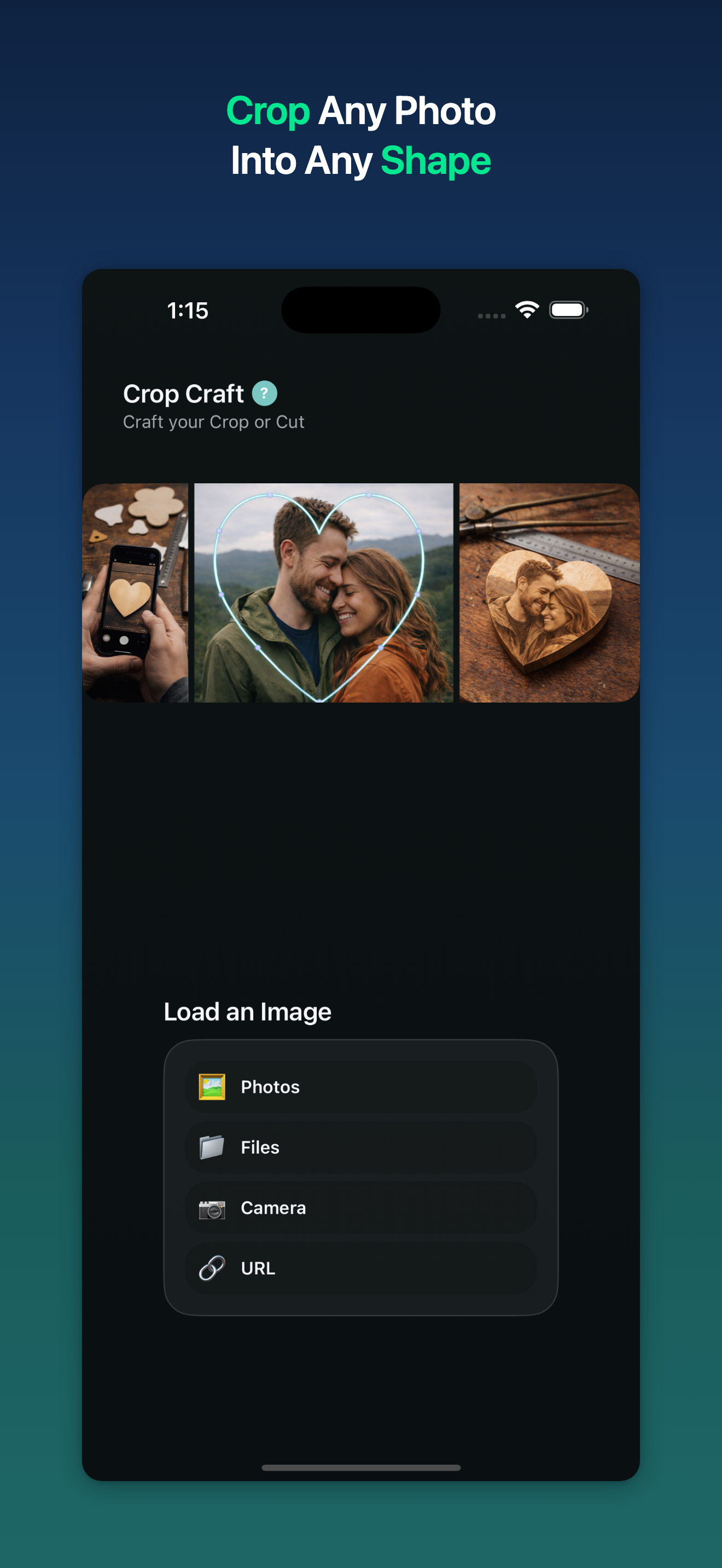
Pull images from your camera roll, Files app, camera, or any URL. Your workflow, your image source — Crop Craft gets out of the way.
Fine-tune padding, outline smoothing, and background color before every export. Pixel-accurate results for demanding cutting and engraving workflows.
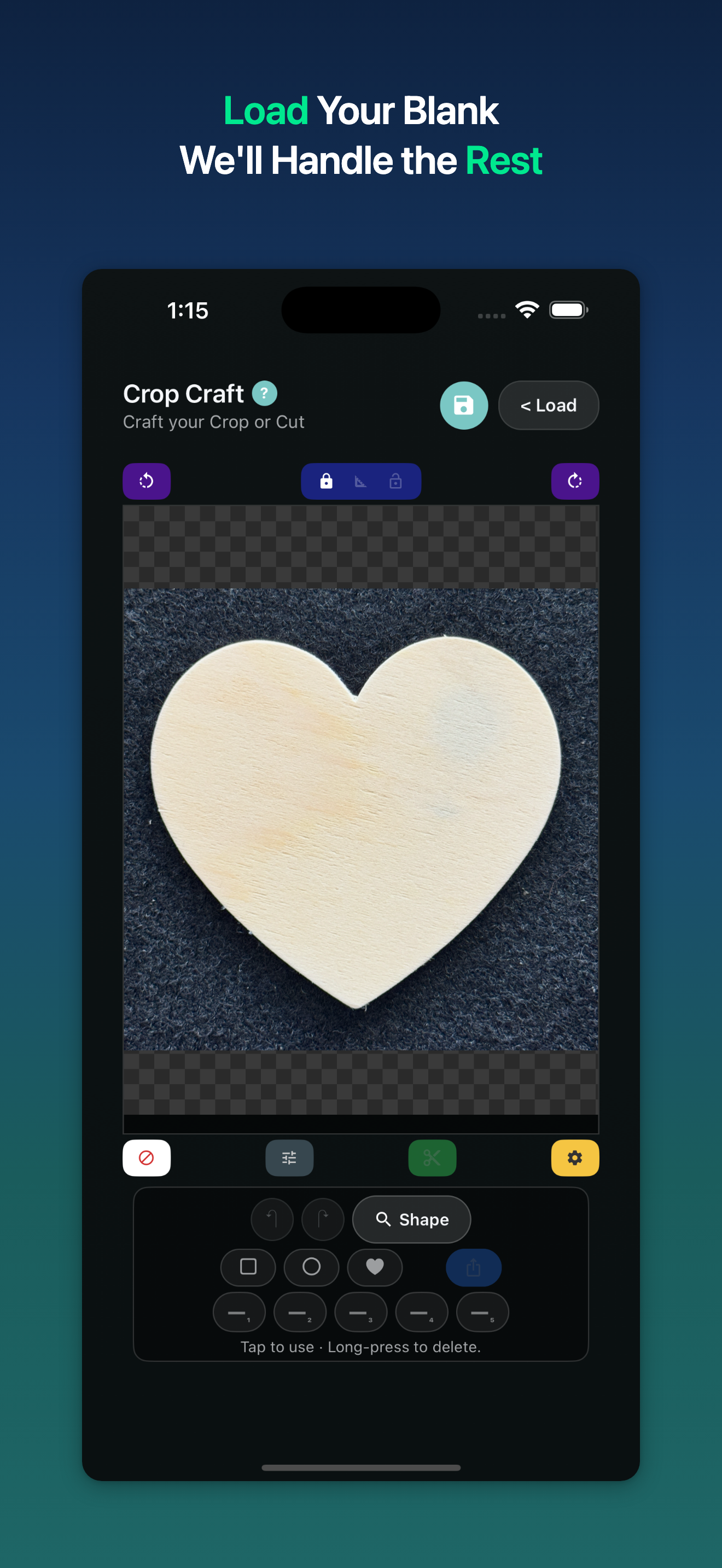
From a blank stencil to a finished heart-shaped cutout of your photo — three steps, one app.
Load. Crop. Export. Crop Craft is free to download and ad-supported — no accounts, no subscriptions, no lock-in.